Live poll · free
A live poll your room answers in one tap.
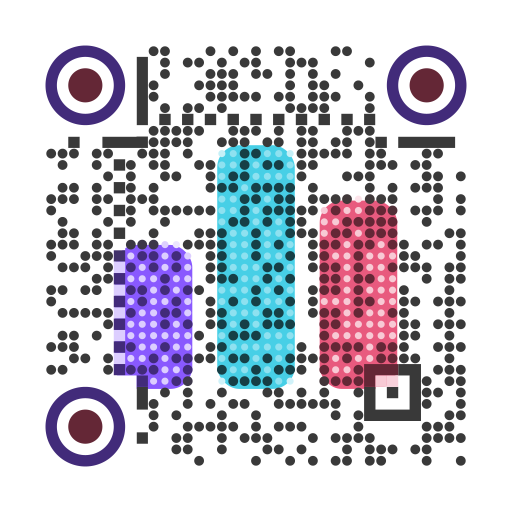
Put a QR code on the screen. People scan, tap an answer and watch the results move. No app and no signup for voters or for you.
qrpolls.com/vote/demo
Klicken Sie auf eine Antwort oder scannen Sie den Code mit Ihrem Handy. Diese Umfrage ist echt.Option antippen, das ist die echte Abstimmung
How a live poll works
Type a question
Pick multiple choice, yes or no, a 1 to 5 rating, a word cloud, a ranking or open text.
Show the QR code
On a slide, a poster or the big screen. A short link works too, for people joining from a laptop.
Watch it fill in
Results update live. Keep them hidden until you are ready, then present them full screen.
Ready-made questions
Questions
Is it really free?
Yes. A free poll takes 100 responses, and you can make one without an account. Paid plans start at $6 a month for bigger rooms.
Do voters need to sign up or install an app?
No. They scan the QR code with their phone camera and tap an answer in the browser.
Can I hide the results until I am ready?
Yes. Set results to show after people vote or after the poll closes, and reveal them from the presenter screen.
Does it work in PowerPoint or Google Slides?
Yes. Put the QR code on a slide; it works in every version of PowerPoint and in Keynote. In Google Slides, the QR Polls add-on shows live results inside the deck.
How do you stop people voting twice?
Each poll can limit one vote per phone, per network or per signed-in account. You choose the rule that fits the room.